NEW Importing Candidate Number, ULN and UCI from iSAMS
In iSAMS create the Candidate Numbers report - export as Excel - should look like:

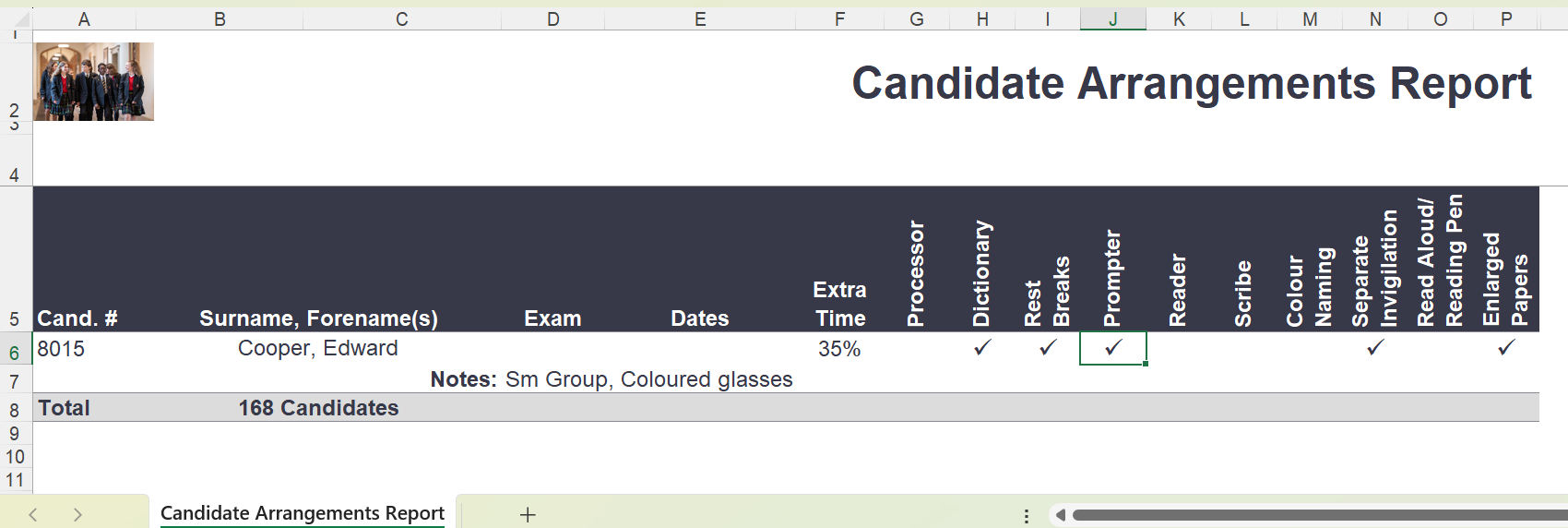
In iSAMS create the Candidate Arrangements Report - export as excel.
Should look like:
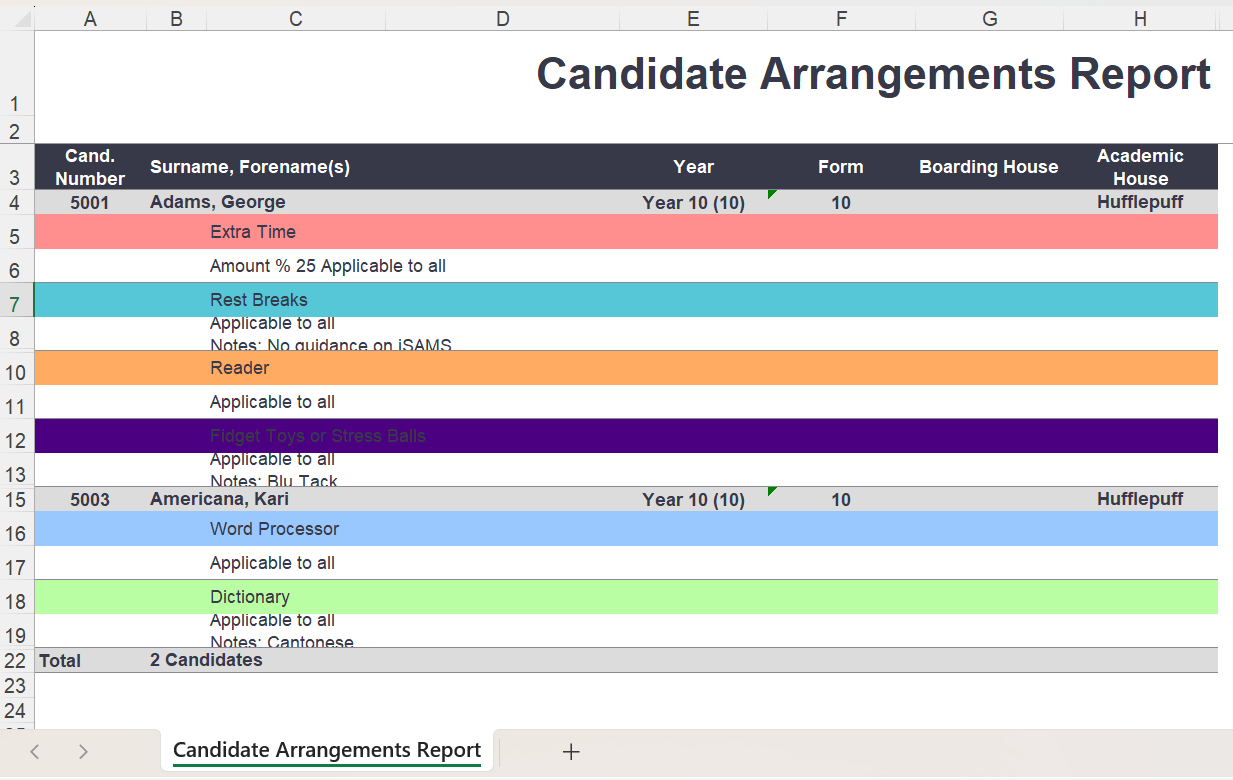
Alternative format of the Candidate Arrangements Report
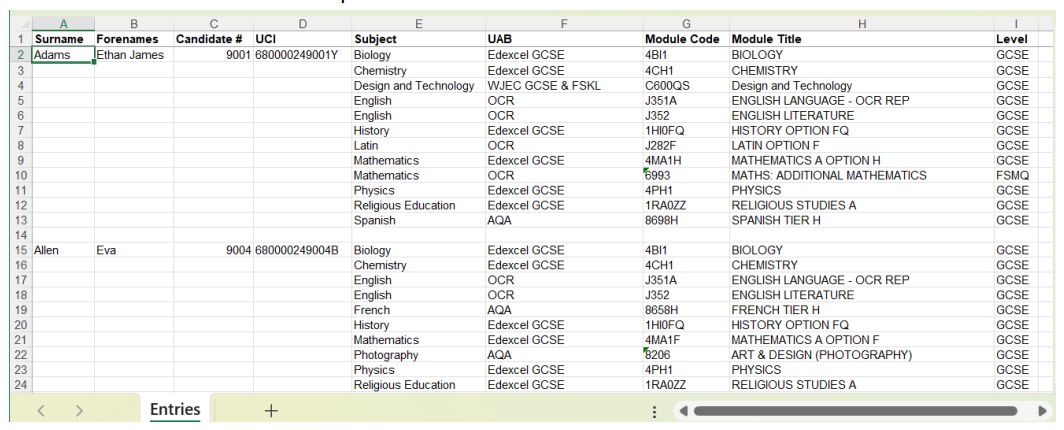
In iSAMS create the Create the Candidate Entries Report - export as excel.
Should look like:
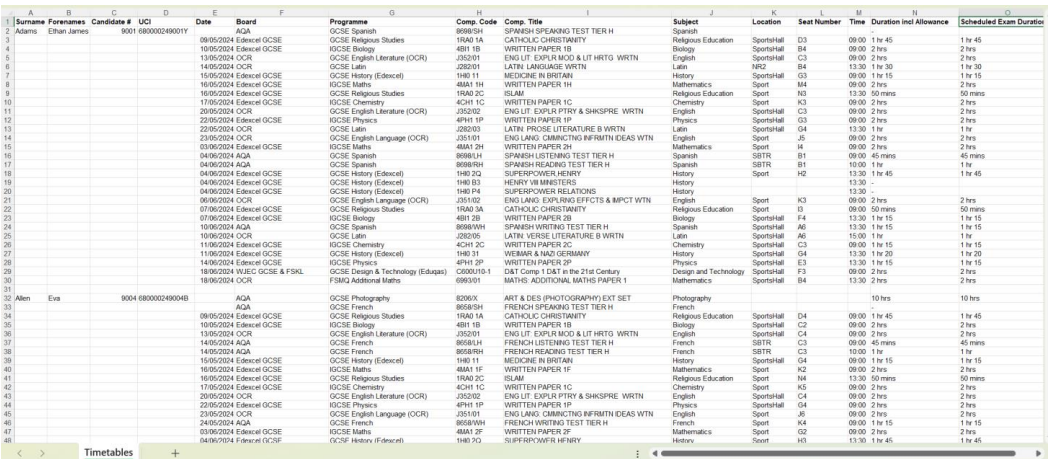
In iSAMS create the Candidate Timetable Report - export as excel.
Should look like:

 SchoolWorkSpace